


If your site has visitors from Europe, you almost certainly show them a cookie consent banner, and most performance-minded site owners treat it as a tax on every page. That is only half the picture. A consent tool does add work: a script that has to run before everything else, and a box the browser has to paint. But a consent tool that really blocks third-party scripts until the visitor says yes also takes work away, and on a page with a tag manager, pixels and embeds it can take away more than it adds.
We looked at both sides on our Roastworks Coffee test site: where a consent banner can hurt Largest Contentful Paint and layout stability, what blocking gives back, and the one setting that decides which way it goes.
Three ways a consent banner can slow a page
The first is the script. A consent tool has to know the visitor’s choice before any tracker runs, so its code sits at the top of the page head and runs before everything else. It cannot be deferred or delayed, because a script that runs late cannot block anything that ran before it. PageSpeed Insights will list it as render-blocking, and with a tool that actually blocks, that is expected.
The second is layout shift. A banner that is inserted into the page flow, usually at the top, pushes the content down after it has been painted, and Cumulative Layout Shift counts exactly that.
The third is Largest Contentful Paint. Chrome reports the largest image or text block painted in the viewport, and it does not care whether that element is your hero image or a privacy notice. A full-screen consent dialog with four paragraphs of text can be the largest thing on a phone screen, and then your LCP is the moment the dialog appeared.
What blocking until consent gives back
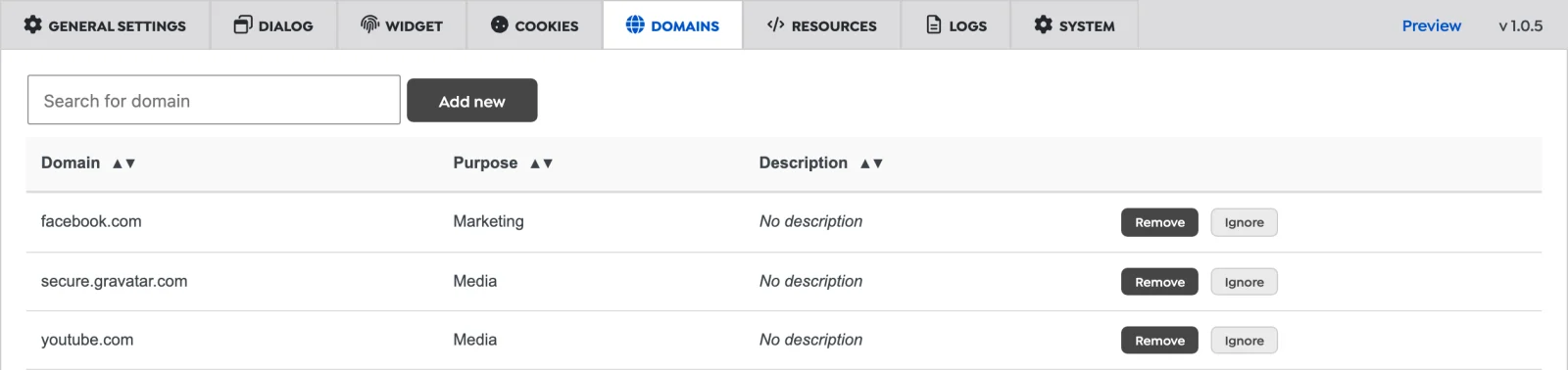
The other side of the ledger is everything a consent tool holds back. Tag managers, analytics, ad pixels, video embeds and maps are often the heaviest things on a page, and almost all of them come from other hosts. If they wait for consent, a visitor who declines, or who never clicks at all, does not download or run any of them.
That only works if the blocking is real. A banner that asks for consent while the scripts load anyway costs you the banner and saves nothing. Must-Have Cookie, our consent plugin for WordPress, does this in its default Full consent mode: every third-party host that is not marked Essential waits until the visitor allows its category. That covers scripts, iframes, images, fonts and stylesheets, including ones imported from inside other CSS files. A service worker answers requests to those hosts with a 403 inside the browser, so they never reach the network. Where a service worker is not available, a Content Security Policy rule does the same job.
Blocked embeds do not move the page either. A blocked video or map gets a placeholder in the same box the embed would have used, and the placeholder frame is lazy-loaded.
We cannot show a before and after number here: our test site has no third-party scripts, so there was nothing to block. You can check it on your own site: open a page in a private window and look at the network panel. Requests to blocked hosts show up as 403 responses from the service worker, with the text “Blocked by MH_Cookie: Host not allowed”.
Keeping the banner itself light
Must-Have Cookie serves its own files from your domain. The head gets an inline configuration and one script file from the plugin folder. The dialog’s HTML is printed at the end of the page, its stylesheet is a static file the plugin writes when you save the settings, and the script that runs the dialog loads at the bottom. Nothing has to be fetched from another host before the banner can appear.
The banner and the dialog are fixed-position elements that are already in the HTML and stay hidden until a class switches them on. Nothing is inserted into the flow of the page, so nothing below them moves. In every run on our test site, Chrome reported the same layout shift score with and without the consent dialog (0.015 in the phone-sized runs below), and all of it came from the theme’s own elements.
The dialog is switched on after the page’s load event, so it does not compete with your images and scripts while they load. Its default font is Arial and the plugin loads no web font for it, so the banner never waits for a font download. The consent decision is read in the visitor’s browser from the consent cookie, so cached pages work as they are and nothing has to be excluded from the page cache. Consent by Geolocation, which asks visitors in the EEA, the UK and Switzerland to opt in, also decides in the browser, from time zone and language, without a server-side IP lookup.
The setting that decides LCP: Display Mode
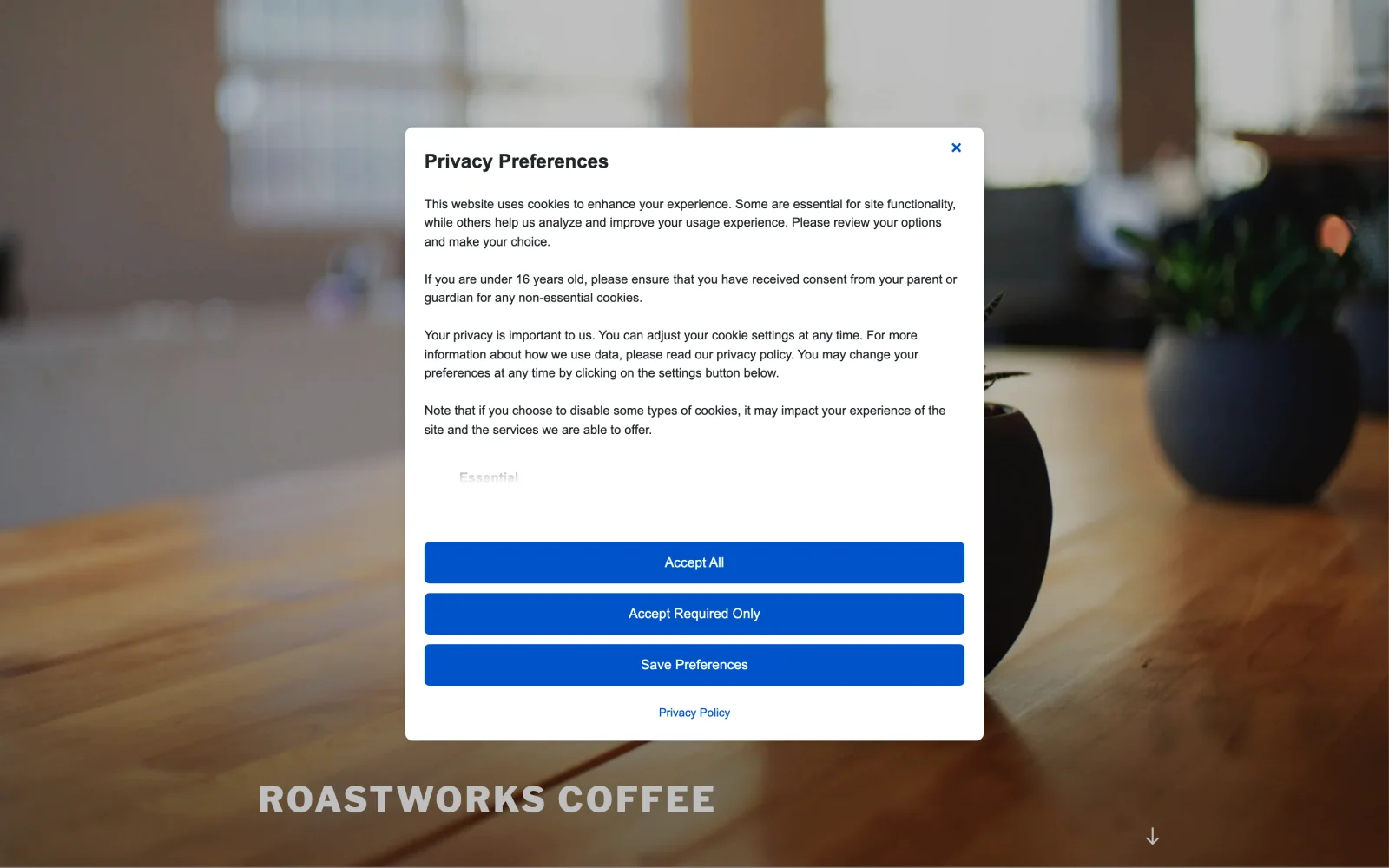
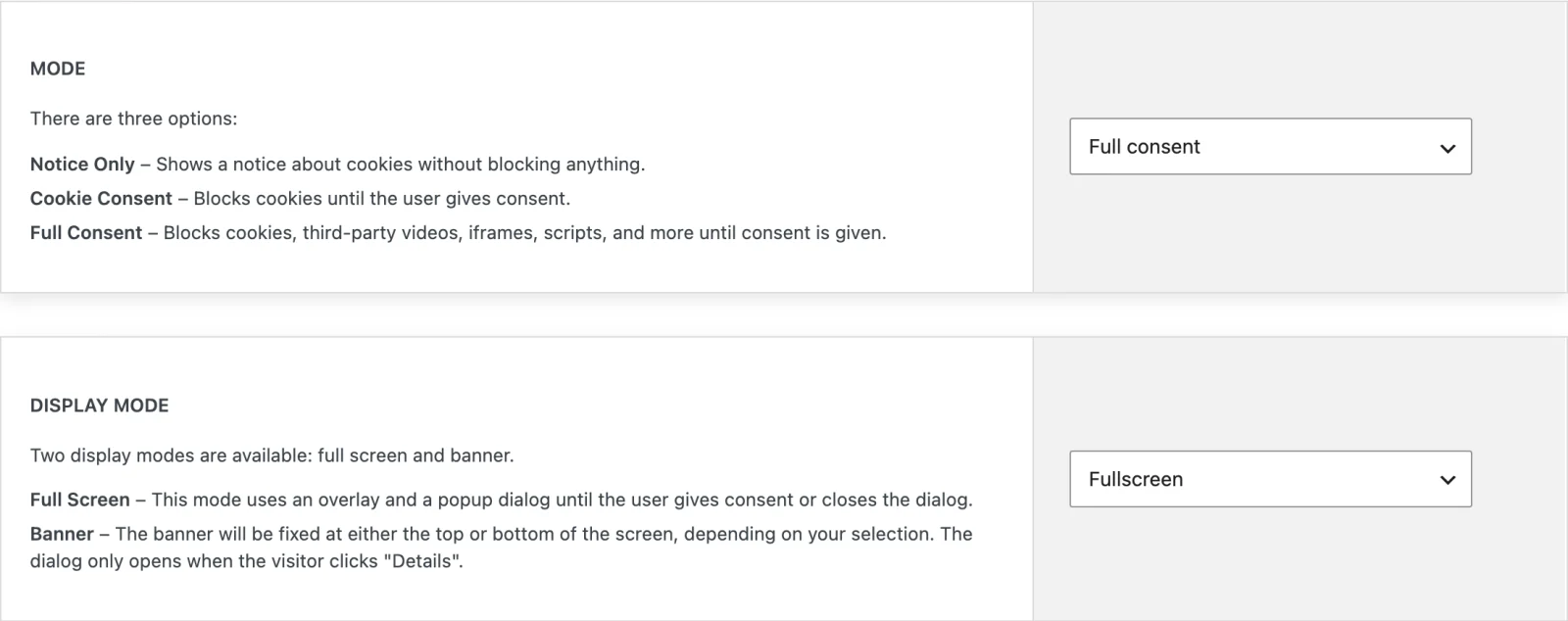
Where a consent banner can still cost you LCP is its size. We loaded the same text-heavy page of our test site with Playwright in Chrome, as a first-time visitor, at a phone-sized viewport of 390 by 844 pixels. Without the consent dialog, Chrome reported the page’s first paragraph as the LCP element. With the full-screen dialog, which is the default Display Mode, the LCP element was the dialog’s text in all four runs, because it is larger than that paragraph. With Display Mode set to Banner, the LCP element was the page’s paragraph again in both runs.
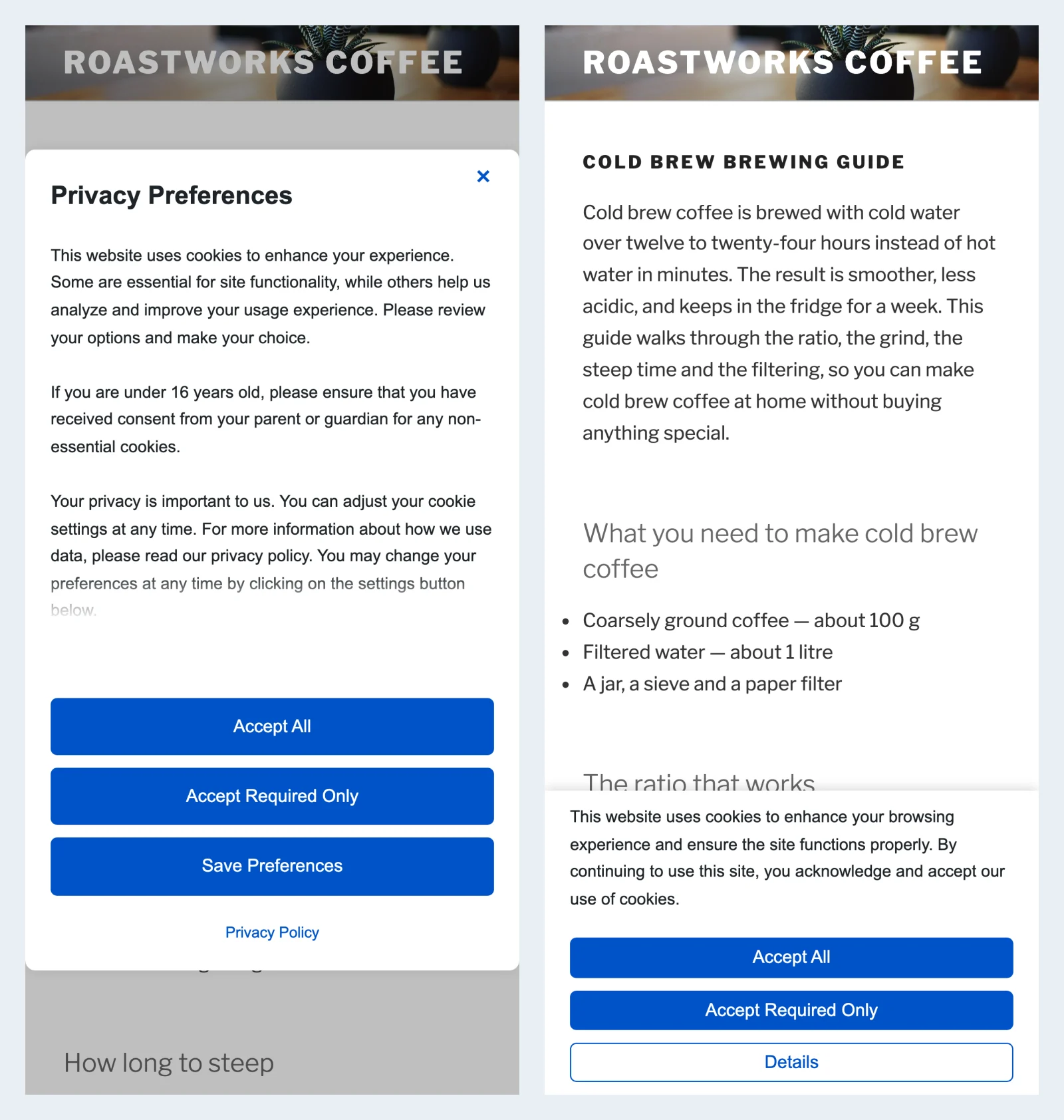
Because the dialog is switched on after the load event, a dialog that becomes the LCP element moves your LCP to after the page has finished loading. On our local test site that was less than a tenth of a second later than the paragraph, because the page has little to load. On a page with heavier images or more scripts, the gap grows with the load time.
So if LCP matters to you, use Banner. It sits at the top or the bottom of the screen, or in a bottom corner, and the full dialog only opens when the visitor clicks Details. Switching to Cookie consent or Notice only to gain speed is not worth it: the head script is there in every mode, and those modes block less, which is where the speed comes from in the first place. Preview mode, which is on after installation, lets you try both display modes on your own pages before visitors see either.
The costs we do not hide
Some costs come with blocking, whatever you set:
- The head script is render-blocking by design. The inline configuration and
script.jsmust not be deferred or delayed by an optimizer. Both carry adata-no-optimizeattribute, but check your page source after setup:script.jsshould still be a plain script tag near the top of the head. If it is not, add it to your optimizer’s script exclusions. - The service worker sees every request. While it is active, the requests it allows pass through it as well. It is only used in Full consent mode, and only for visitors who are asked to opt in.
- Accepting can cost one reload. If a script was blocked on the page, the plugin reloads it after the visitor accepts, so that the script can run.
- Third-party fonts wait too. Like any third-party host that is not marked Essential, Google’s font servers wait for consent, so a theme that loads its fonts from there shows its fallback font until the visitor accepts. Hosting the fonts on your own domain avoids that and saves a connection too.
Where the speed really is
A consent tool is never free, because something has to run first. But the expensive part of most pages is the third-party code it holds back, and the banner itself does not have to show up in your LCP or your layout shift score. Keep the script out of your optimizer’s delay list, choose Banner if LCP matters, host your fonts yourself, and let the blocking do the rest. If you want to see how that works on your own pages, take a look at Must-Have Cookie.